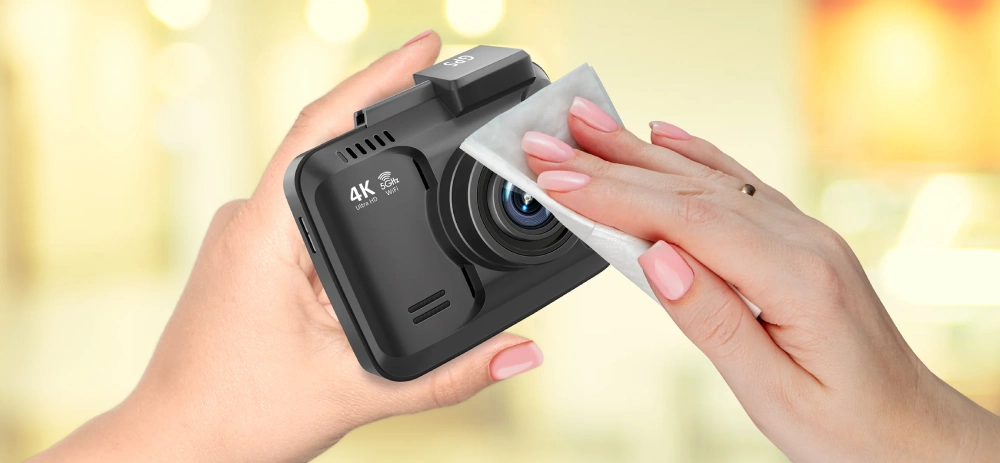
Dash cams have become a normal part of modern driving. They provide peace of mind, record accidents, and capture unexpected events on the road. Many drivers, however, are unsure what to do with their dash cam when the car is parked overnight. A common question is whether the dash cam should be unplugged at night. The answer depends on how your dash cam is powered, whether it has parking mode, and how you use your vehicle.
Understanding How Your Dash Cam Gets Power
Dash cams are powered in different ways. Some are plugged into the car’s cigarette lighter or USB port. These ports usually turn off when the car is off. In this case, the dash cam stops working automatically, so unplugging it is not necessary. Other dash cams are hardwired to the car’s fuse box. These continue to receive power even when the engine is off, allowing features like parking mode to work.
Knowing how your dash cam is connected is the first step in deciding whether to unplug it at night.
What Parking Mode Does
Many modern dash cams offer parking mode. This feature allows the camera to monitor your vehicle when it is parked. If it detects movement, vibration, or impact, it starts recording. This can be useful in case of hit and run incidents, vandalism, or suspicious activity around your car.
If your dash cam is hardwired and has parking mode, unplugging it at night would disable this protection. In this case, keeping it powered can be beneficial.
Battery Drain Concerns
One of the main reasons people unplug their dash cams at night is fear of battery drain. A dash cam that stays powered while the car is off can slowly use up the vehicle’s battery. However, most hardwire kits include a low voltage cutoff. This means the camera will shut off automatically if the battery drops to a certain level, protecting your car from being unable to start.
If your dash cam does not have this protection, leaving it powered overnight could drain the battery, especially if the car is not used for several days.
Dash Cams With Built In Batteries
Some dash cams have small built in batteries or supercapacitors. These are mainly used to save files when the power is cut. They are not meant to run the camera for long periods. If your dash cam relies on these, it will turn off shortly after the car is switched off, so unplugging it is not needed.
When Unplugging Makes Sense
If your dash cam is plugged into a power outlet that stays active when the car is off, and it does not have a voltage cutoff, unplugging it at night can be a good idea. This prevents unnecessary battery drain. It is also useful if you park your car for long periods, such as during a holiday or when not driving for several days.
Unplugging may also make sense if you do not use parking mode and only want the camera active while driving.
When You Should Leave It Plugged In
If your dash cam is hardwired with a voltage protection system and you use parking mode, leaving it connected overnight gives you extra security. Your car remains monitored, and any incidents are recorded. For people who park in public areas or busy streets, this can be very valuable.
Leaving it plugged in is also fine if your power outlet switches off with the engine. In this case, the dash cam is not drawing power when the car is parked.
Heat and Device Health
Another concern is heat. In hot climates, cars can become very warm overnight. Some drivers unplug their dash cams to reduce stress on the device. While quality dash cams are designed to handle heat, extreme temperatures can affect electronics over time. If you are worried, unplugging the camera or removing it during very hot weather can help extend its life.
Finding the Right Balance
There is no single answer for every driver. If you value parking protection and have a properly installed hardwire kit, keeping your dash cam powered overnight is useful and safe. If you are concerned about battery drain or do not need parking mode, unplugging the camera can give peace of mind.
Making an Informed Choice
Understanding how your dash cam is powered and what features it offers helps you decide what is best. Whether you unplug it or leave it connected, the goal is to protect both your vehicle and your camera while enjoying the benefits of recorded driving.